



Local transfers
Fast everyday sending through familiar wallet-style steps.
 Walyt
Walyt
Send money locally and internationally through one clear, mobile-first experience. Walyt helps users transfer with confidence through simple steps, visible confirmations, and trusted follow-up.
Walyt brings different transfer methods into one consistent flow, so users can move money with less friction and more visibility. Whether the transfer is local, international, or contact-based, the experience stays simple, clear, and easy to trust.
Fast everyday sending through familiar wallet-style steps.

Move money across borders through a clear mobile journey.

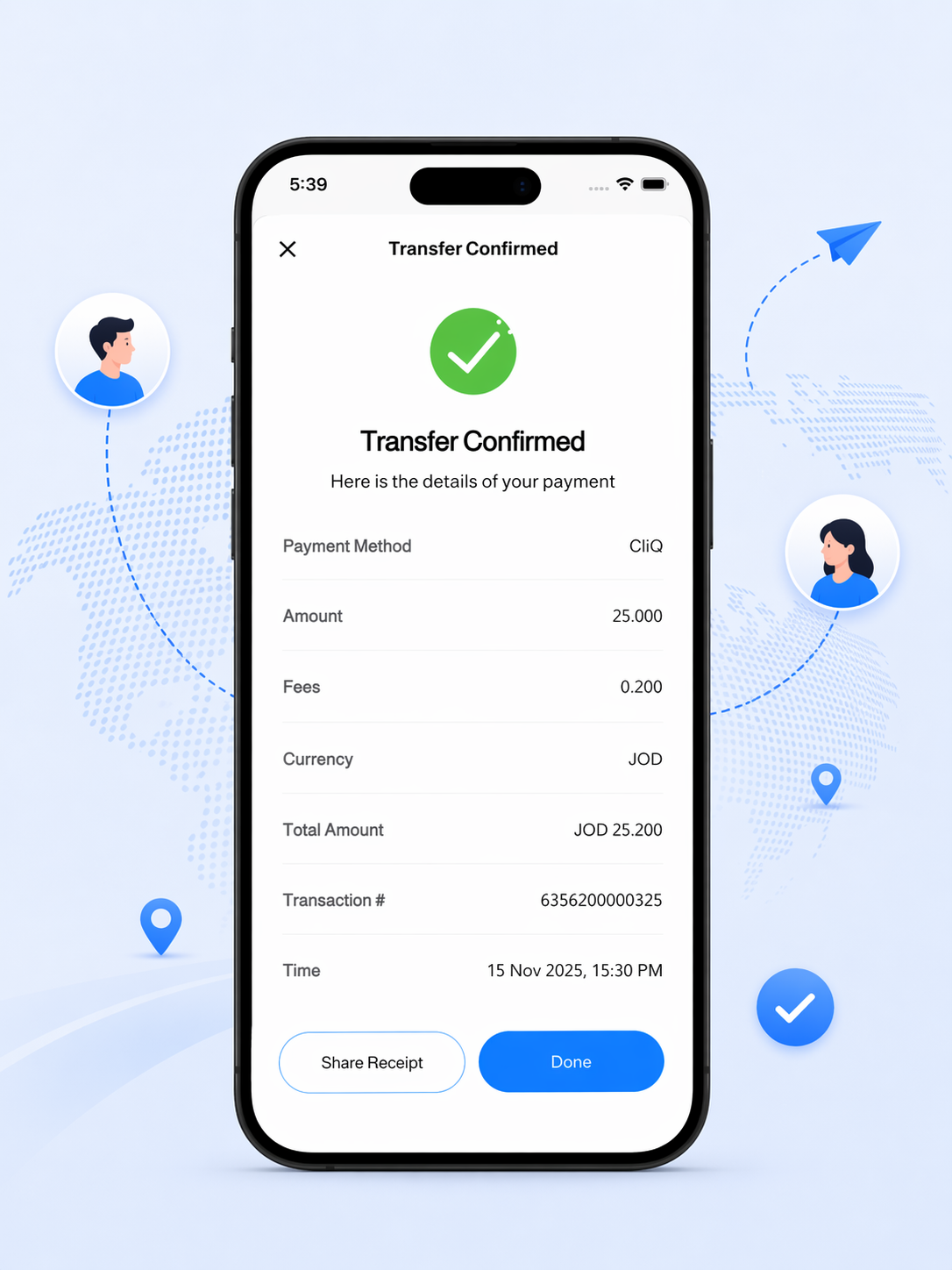
See the details before sending and again when the transfer is complete.

Keep proof of transfer, transaction info, and follow-up context in one place.
Every method stays inside the same Walyt experience, so the user does not have to learn a different flow each time they send money.
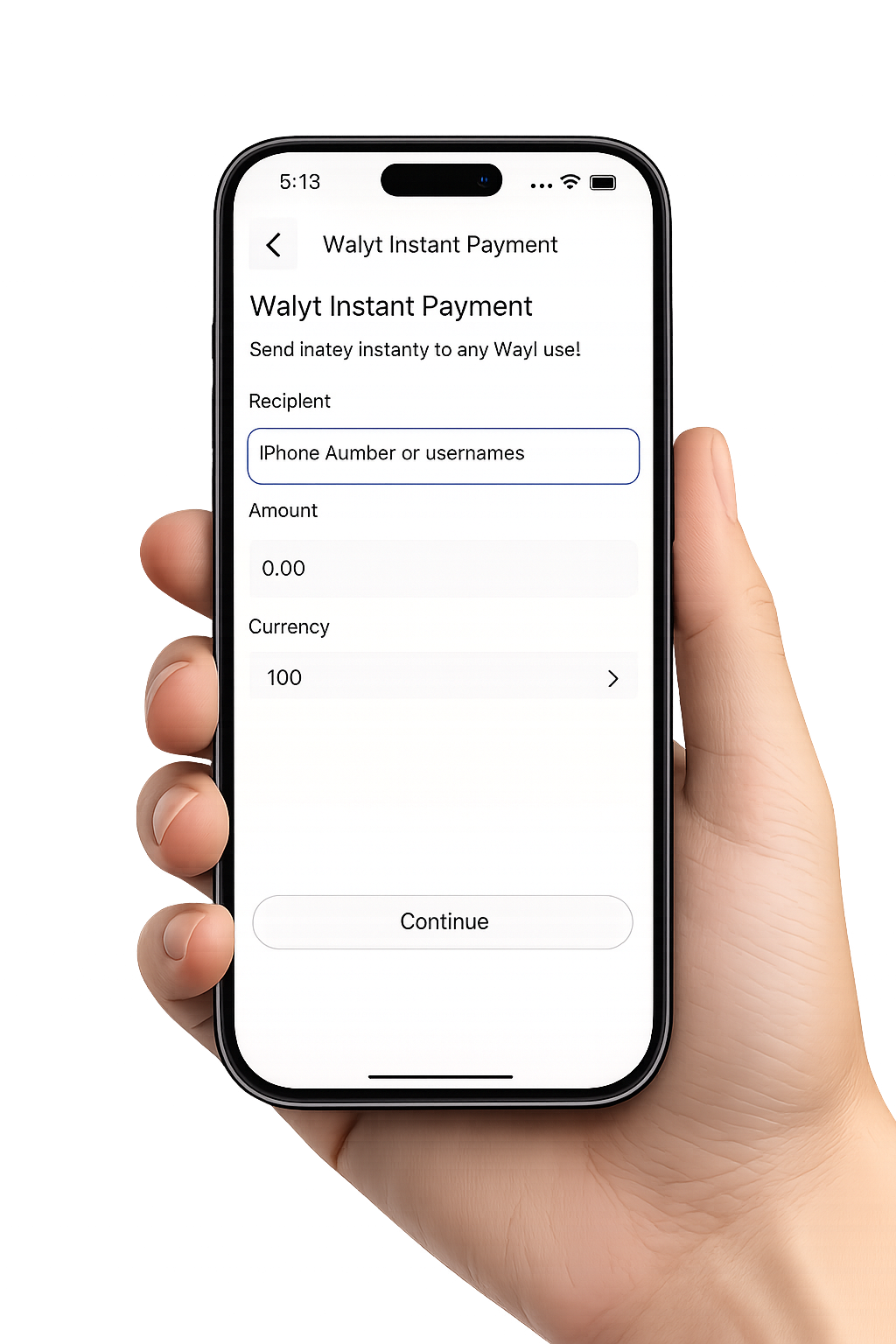
Instant peer-to-peer transfers through a fast and familiar wallet flow.
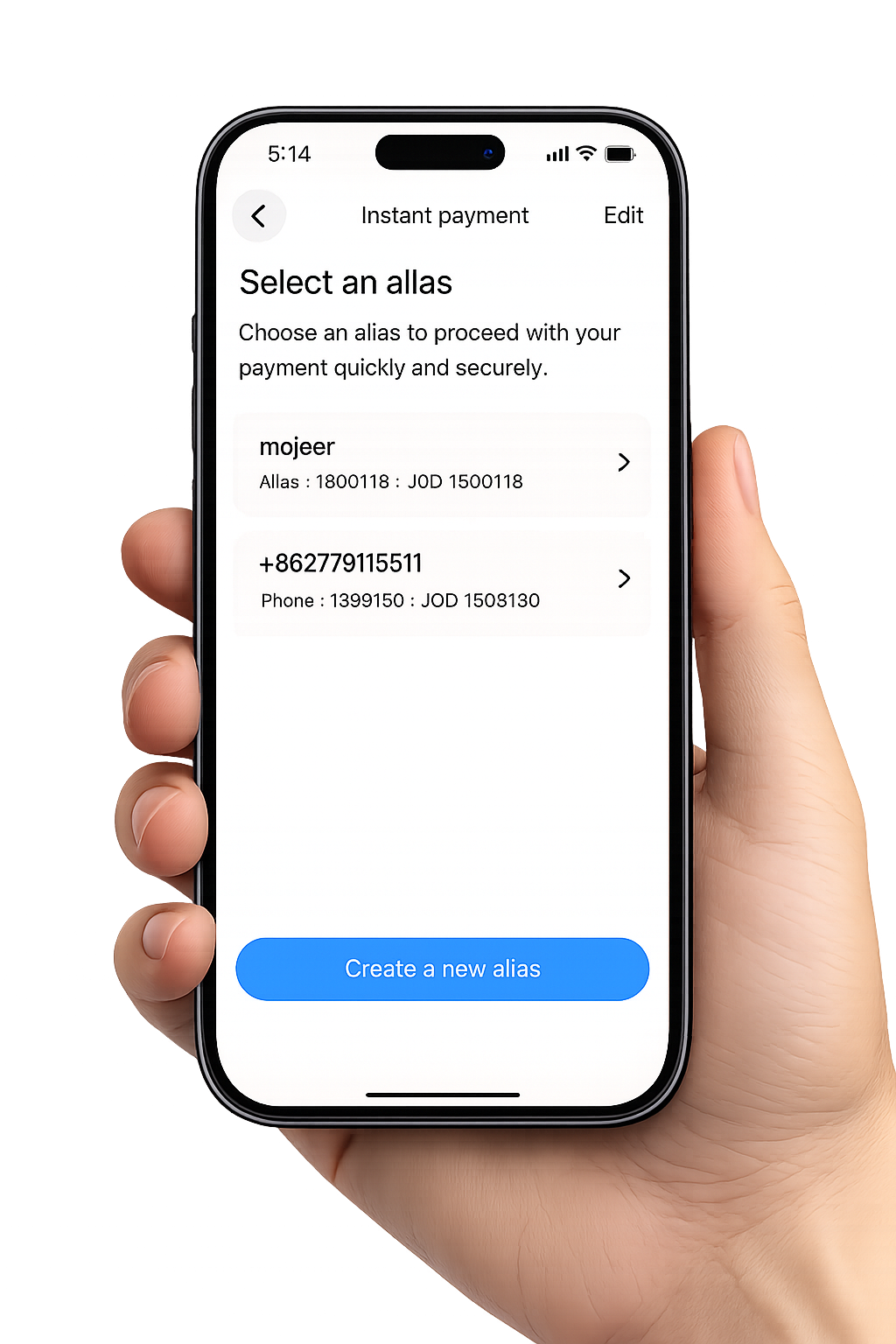
Real-time local transfers with a clear in-app journey from input to confirmation.
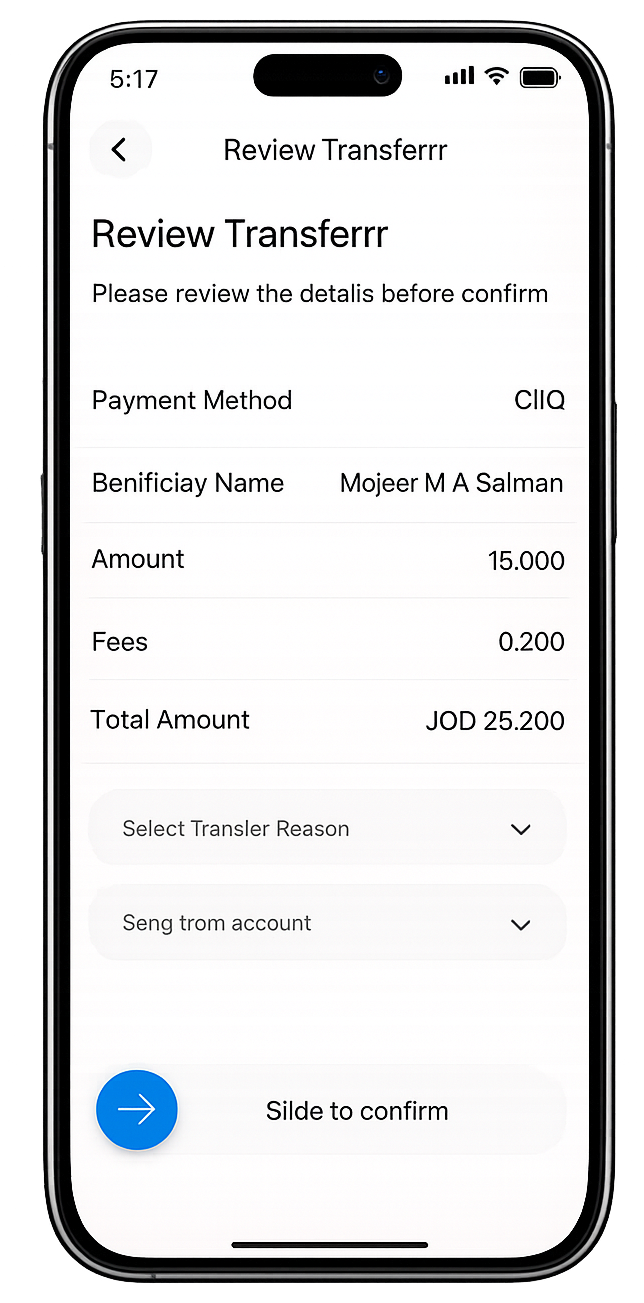
Send through connected banking rails with a simple review and confirmation step.
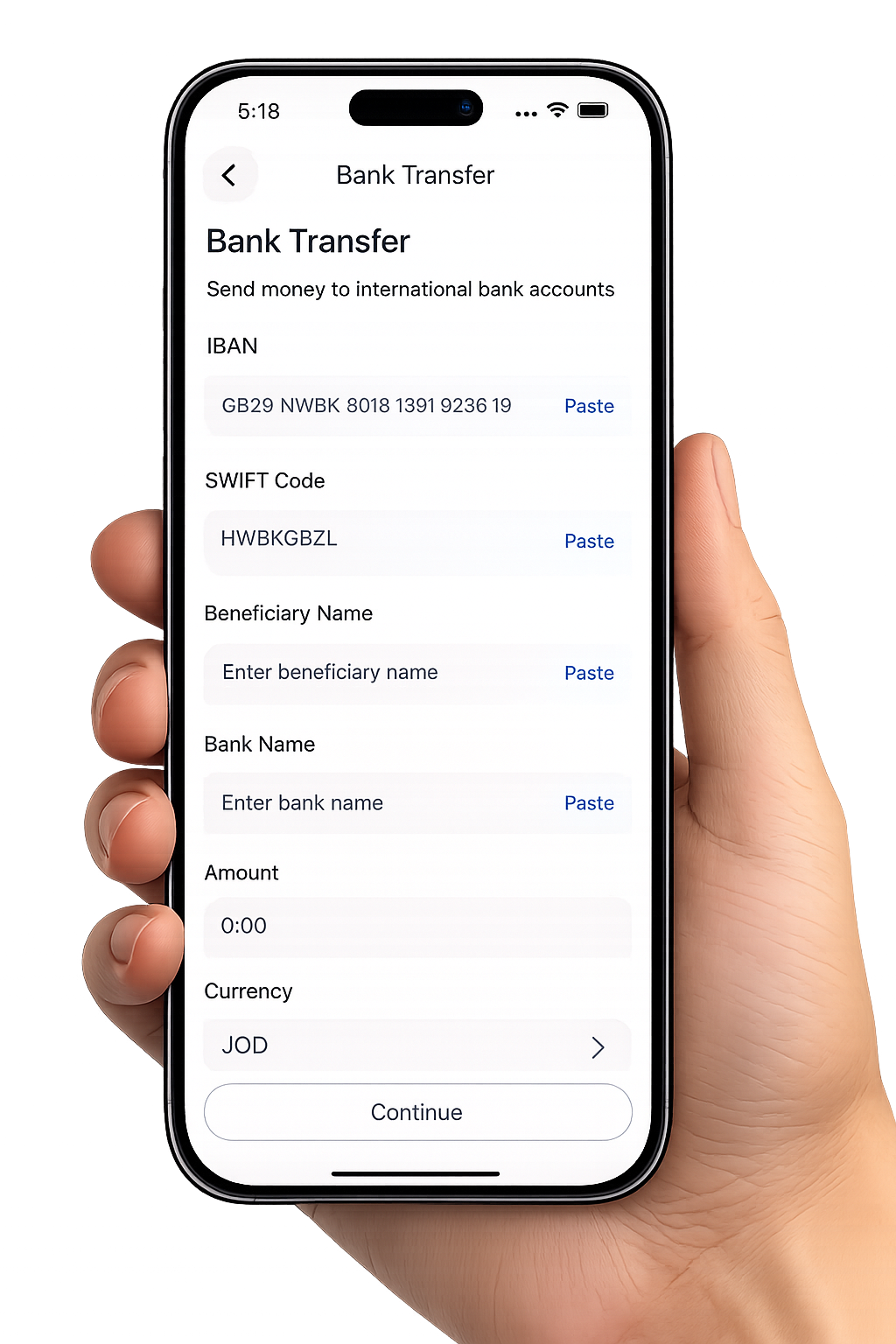
Support international transfer needs through trusted partner-powered delivery.
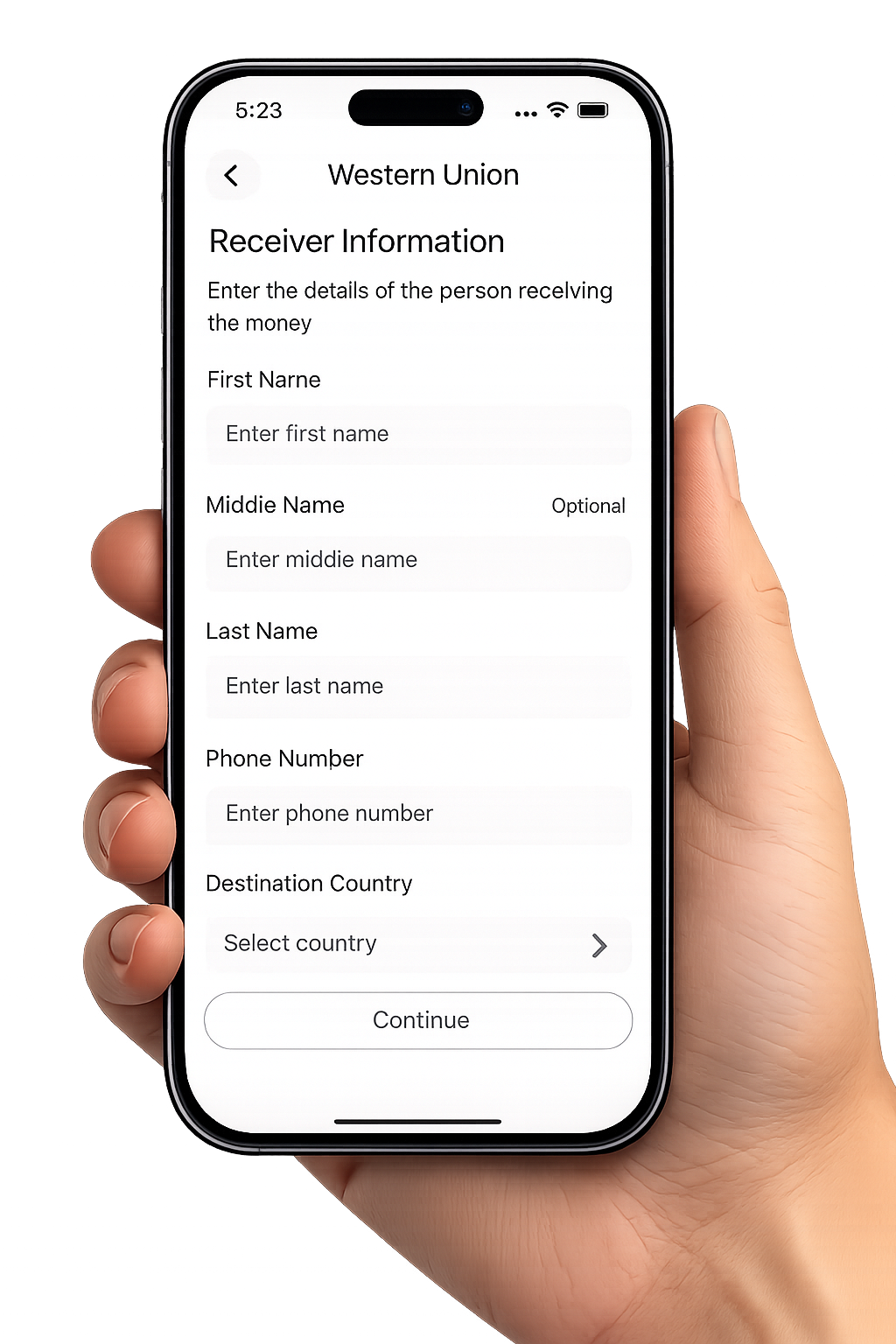
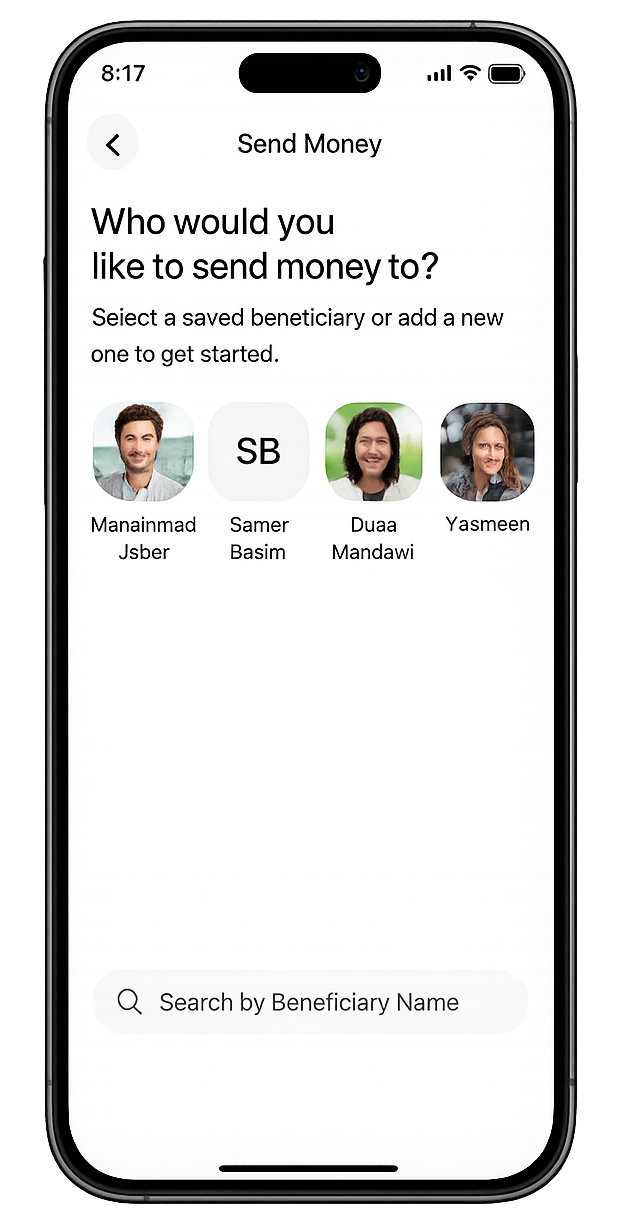
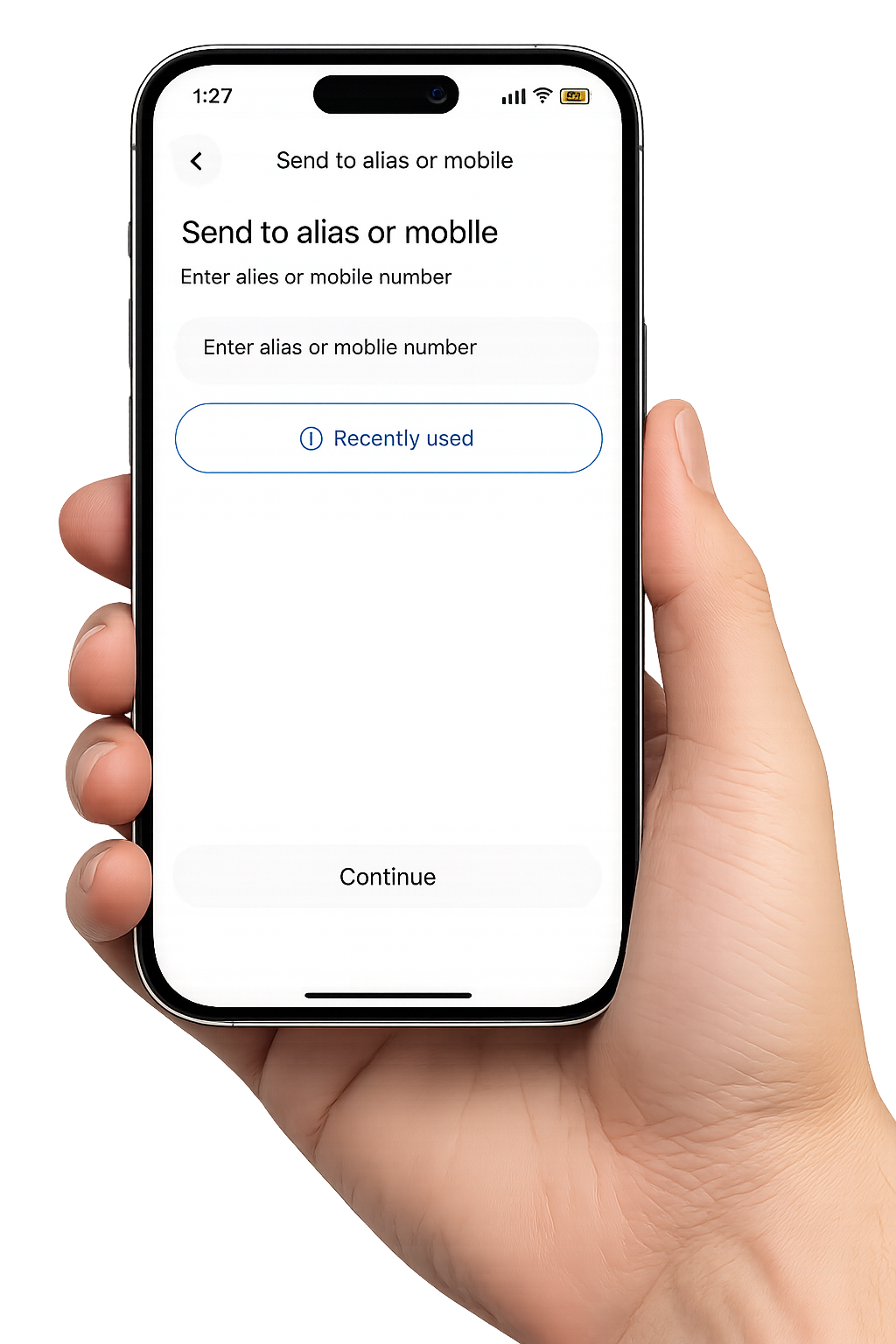
Send using alias or mobile-based details with fewer steps and easier recipient selection.
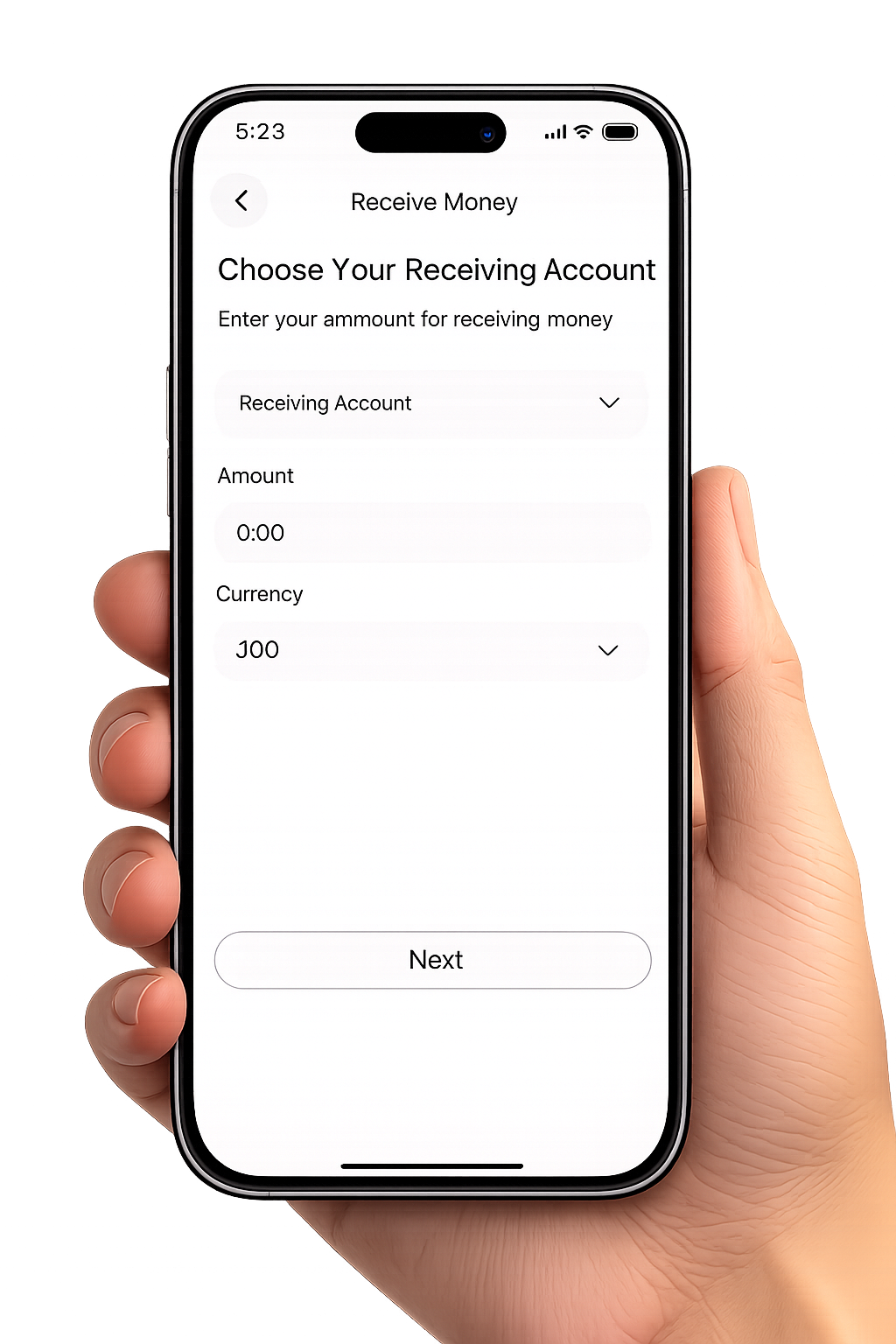
Choose receiving account, amount, and currency through a simple mobile-first flow.
The flow stays compact and understandable so users can move from choosing a recipient to seeing the final status without losing context.
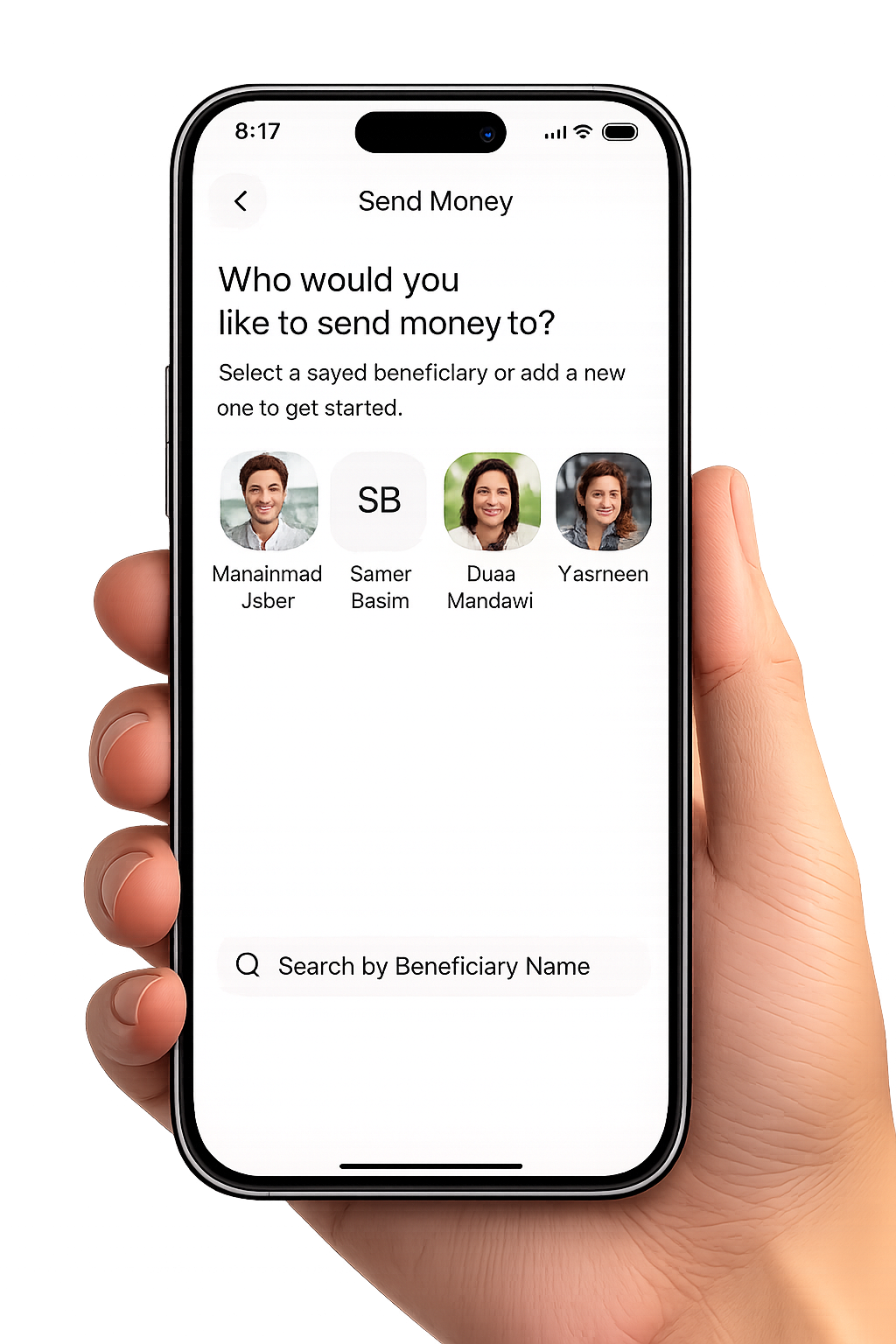
Start with quick transfer shortcuts, a contact, or a simple alias-based entry point.
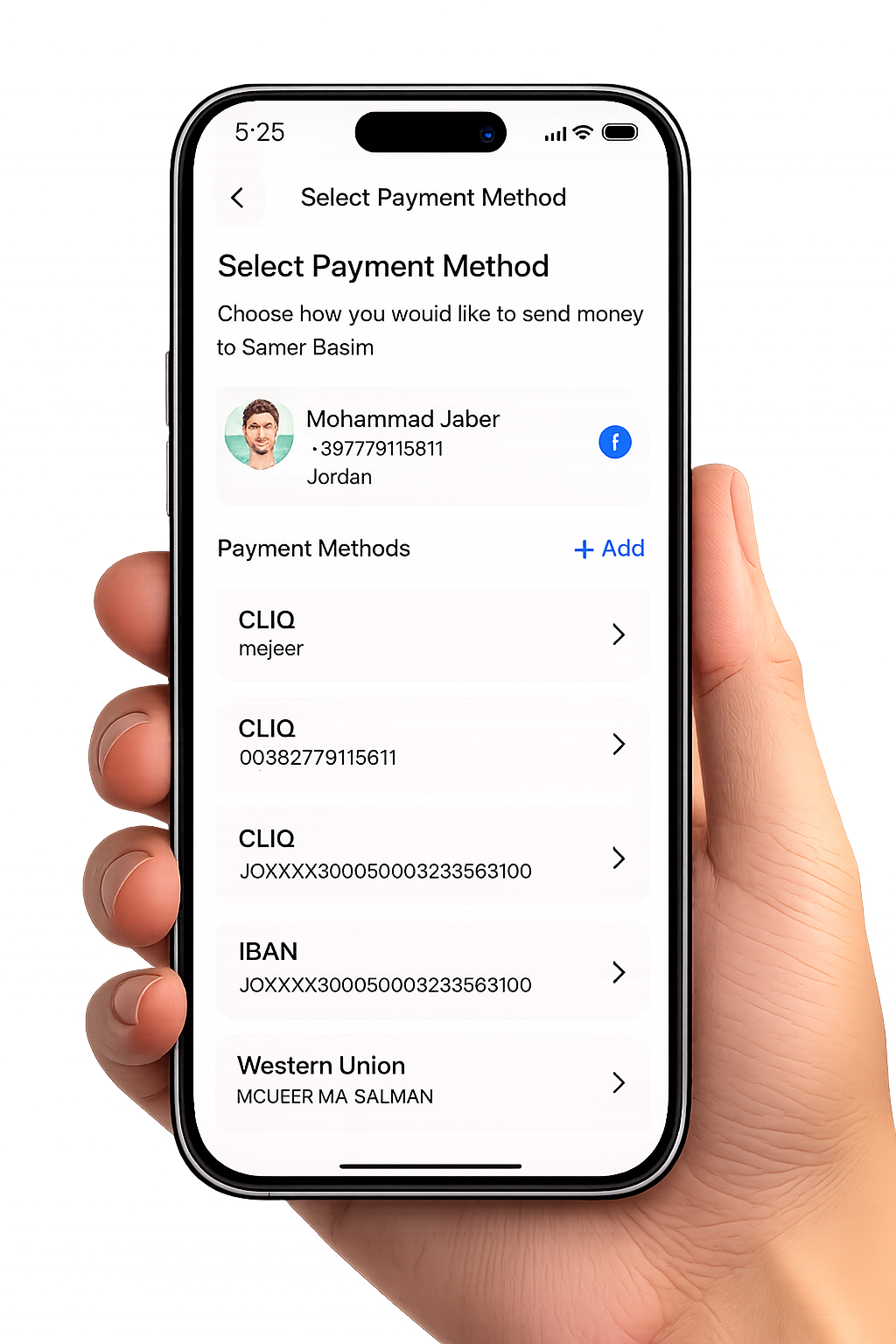
Pick the rail that fits the moment, then keep moving through the same familiar flow.
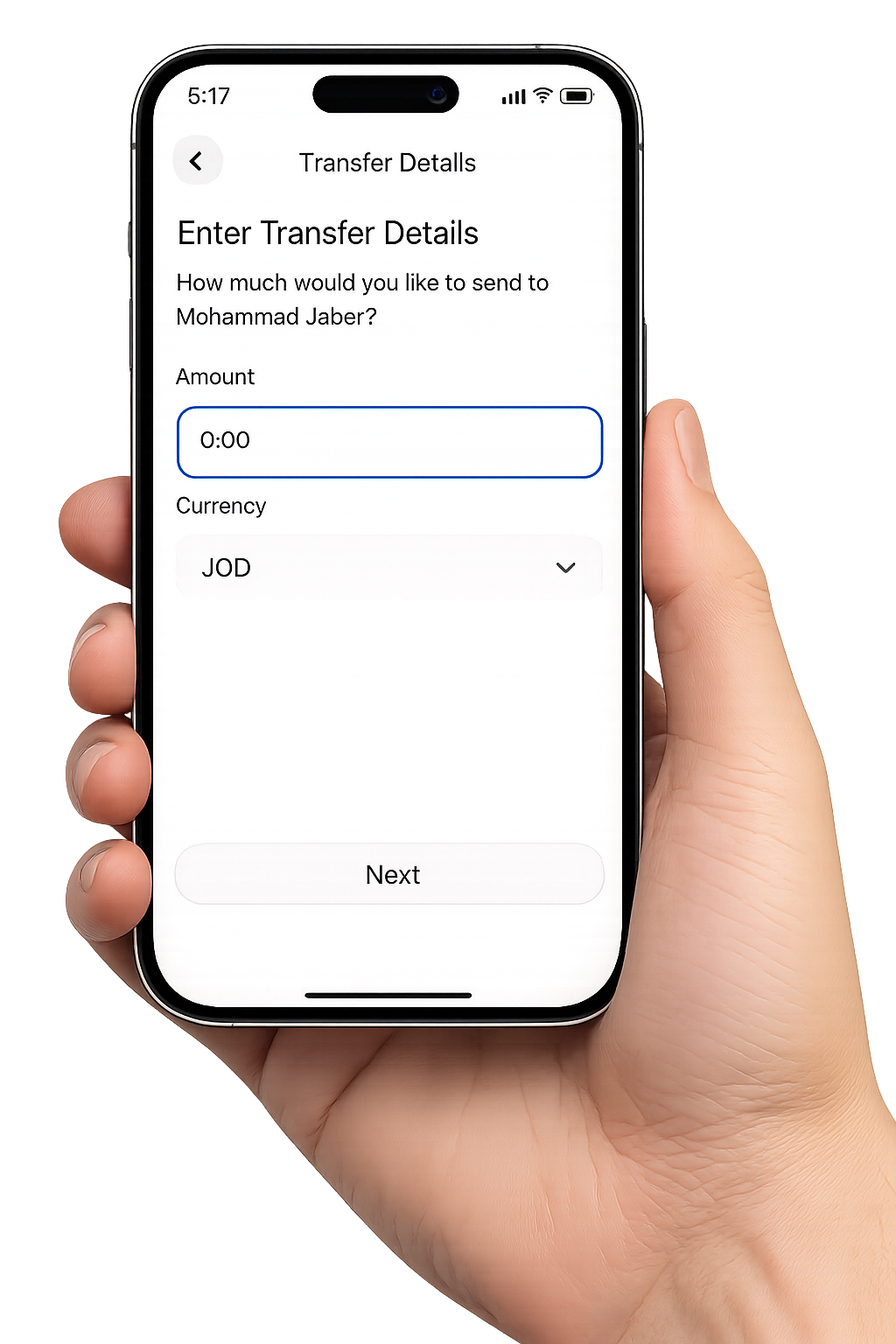
Provide the amount, account, or currency details with a clean mobile-first layout.
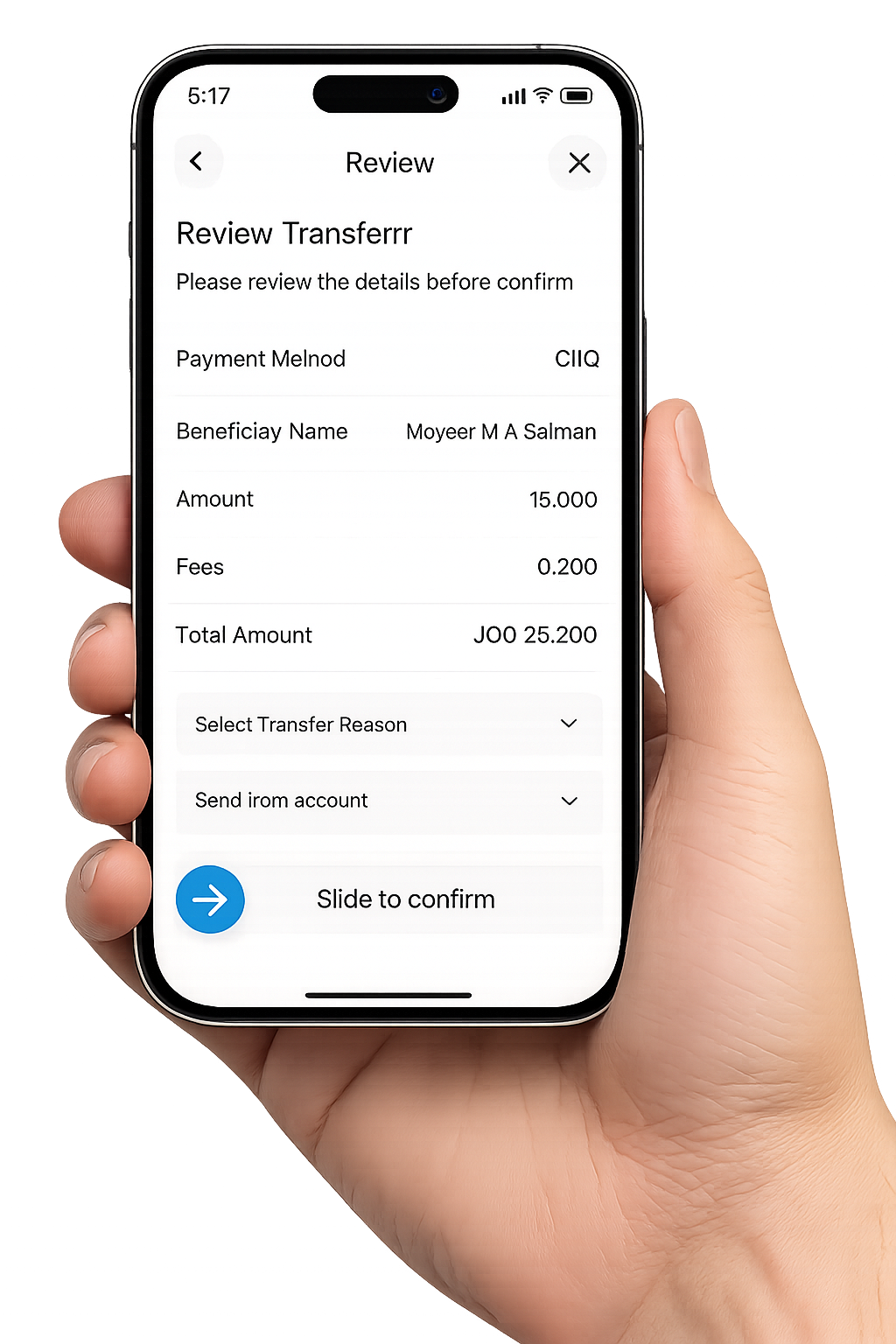
See the transfer summary clearly so there is no guesswork before confirmation.
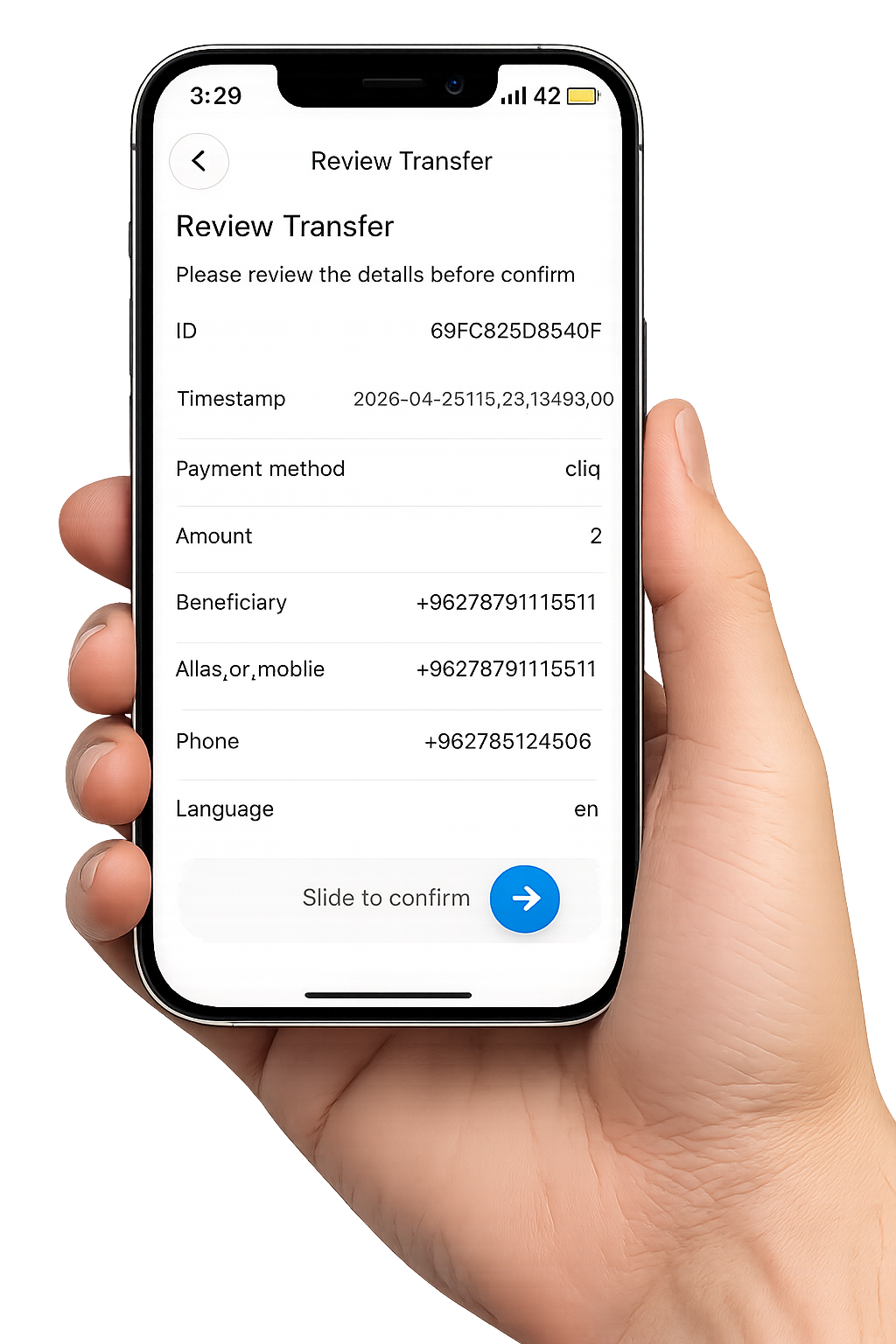
Confirm the action once everything looks right and keep the confirmation state visible.
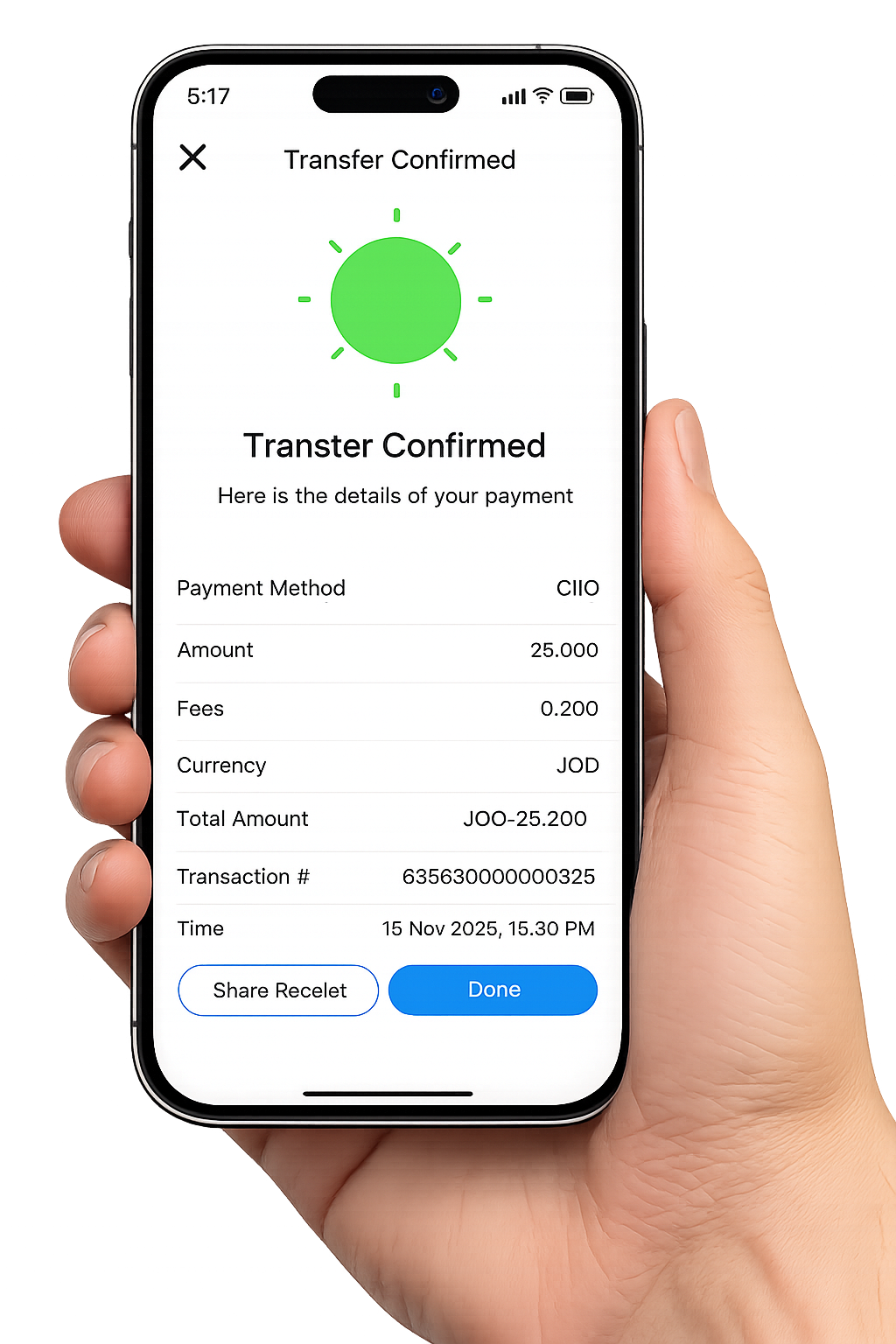
Use the digital receipt and transaction details to follow what happened next.
Walyt also makes receiving money easy through a guided mobile flow with account selection, amount entry, and currency setup.
Walyt is designed to reduce uncertainty during financial actions. Users can review details before sending, see clear confirmation states, and access transaction information with more visibility and confidence.

Check the recipient, amount, and method before anything is finalized.

Confirmation states stay visible so the outcome feels immediate and understandable.

Keep proof of transfer in the app with a clear reference to what happened.

If something needs follow-up, Walyt keeps the situation easier to see and explain.
Walyt keeps the experience familiar across sending, receiving, and confirmation states.
The layout keeps essential actions visible so users can move without extra friction.
Help and issue visibility remain connected to the wallet flow instead of feeling separate.